Overview
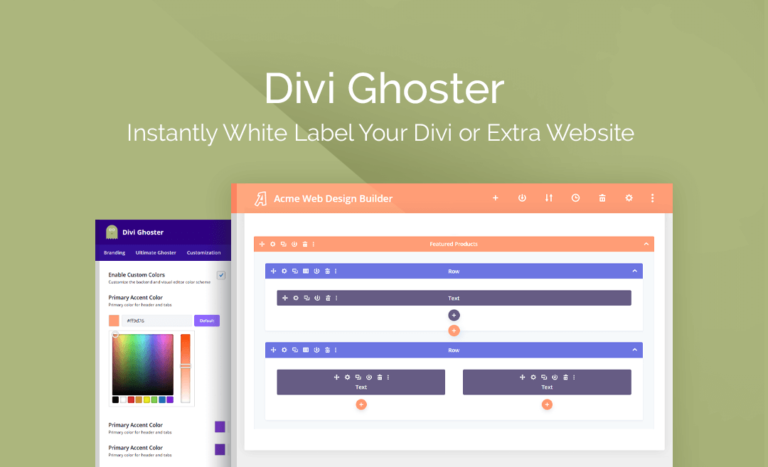
White Label Your Divi Website in Seconds!
Elegant Themes’ Divi and Extra (also powered by the Divi Builder) are two of the most powerful and customizable themes on WordPress. But there are cases where you don’t want people to know you used one of them to build your (or your client’s) website.
Hide Divi and Extra Theme from Theme Detectors and Users
Divi Ghoster allows you to hide your use of the Divi or Extra theme from anyone who views or uses your website, even if they have full access to the back end. Even better, you can automatically replace all Divi/Extra branding with the custom branding name and logo of your choice.
Hide Divi/Extra Related Plugins
And with the Ultimate Ghoster feature, you can even hide your use of Divi/Extra related plugins, including Divi Ghoster!
What's included
- The full pluginEvery file from the developer's release, in one zip.
- Unlimited sitesInstall it on your own and your clients' sites.
- GPL licensedFree to use, study and modify.
- No paymentFree to download, no card needed.
How to install
- 1Download the zip file from this page.
- 2In WordPress, go to Plugins → Add New → Upload Plugin.
- 3Choose the zip, click Install Now, then Activate.
Questions
Is this the developer's own release?
Yes. It is the release published by the original developer, redistributed under the GNU General Public License. The GPL allows anyone to share and resell the code.
Do I get a license key or automatic updates?
No. License keys, one-click updates and support come from the developer's own paid plans. To update, download the newer version here when it is listed and install it over the old one.
Can I use it on more than one site?
Yes. The GPL puts no limit on the number of sites, including client sites.
Why is it free?
During our launch every download that is available on GPL Store is free. Nothing is charged and no card is asked for.