Overview
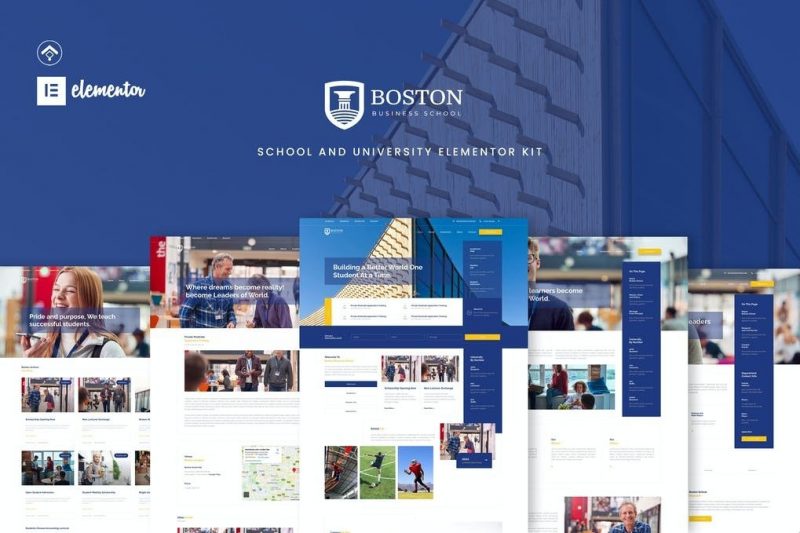
Introducing Boston School and University Template Kit. You can use this template kit for your school, university or institution project. It is design with full feature of academic info, research, civil service, event and so on. This is is powered with Elementor, thus, it is easy to modified and develop. Get this template to boost your academic website project.
Page Templates
- Home Page
- About Us Page
- Academic Page
- Event Page
- News Page
- Single News Page
- Search Result Page
- 404 Page
- Contact Pages
Section and Blocks
- Header
- Footer
- Event Tabs
- News Tabs
- Graphic Tabs
Required Plugins (will be installed automatically)
- Elementor
- Essential Addons for Elementor
- Premium Plugin for Elementor
- Graphina
- * Elementor Pro upgrade is required for some templates and features (not included)**
How to Install
- Install and Activate the “Envato Elements” plugin from Plugins > Add New in WordPress
- Do not unzip
- Go to Elements > Installed Kits and click the Upload Template Kit button.
- Before importing a template, ensure the Install Requirements button is clicked to activate required plugins
- For best results, do not import more than one template at a time.
- Go to Pages and create a new page and click Edit with Elementor
- Click the gear icon at lower-left of the builder to view page settings and choose Elementor Full Width and hide page title
- Click the gray folder icon to access My Templates tab and then Import the page you’d like to customize
[Detailed Guide](https://help.market.envato.com/hc/en-us/articles/900000842846-How-to-use-the-Envato-Elements-WordPress-Plugin-v2-0″)
For further support, go to Elementor > Get Help in WordPress menu.
What's included
- The full template kitEvery file from the developer's release, in one zip.
- Unlimited sitesInstall it on your own and your clients' sites.
- GPL licensedFree to use, study and modify.
- No paymentFree to download, no card needed.
How to install
- 1Download the zip file from this page.
- 2In WordPress, open Elementor → Tools → Import / Export Kit.
- 3Start the import, choose the zip and pick the parts you want.
Questions
Is this the developer's own release?
Yes. It is the release published by the original developer, redistributed under the GNU General Public License. The GPL allows anyone to share and resell the code.
Do I get a license key or automatic updates?
No. License keys, one-click updates and support come from the developer's own paid plans. To update, download the newer version here when it is listed and install it over the old one.
Can I use it on more than one site?
Yes. The GPL puts no limit on the number of sites, including client sites.
Why is it free?
During our launch every download that is available on GPL Store is free. Nothing is charged and no card is asked for.